Video brings education, training and communication to life. But creating a recording is only part of the job. Organizations also need to manage their content, deliver it in the right environment and help people find the information that matters.
MEDIAL by SEEEN brings those needs together in one easy-to-use, affordable video platform. It helps educational institutions and organizations create, manage and deliver engaging video experiences, with AI tools that make content easier to navigate and reuse.
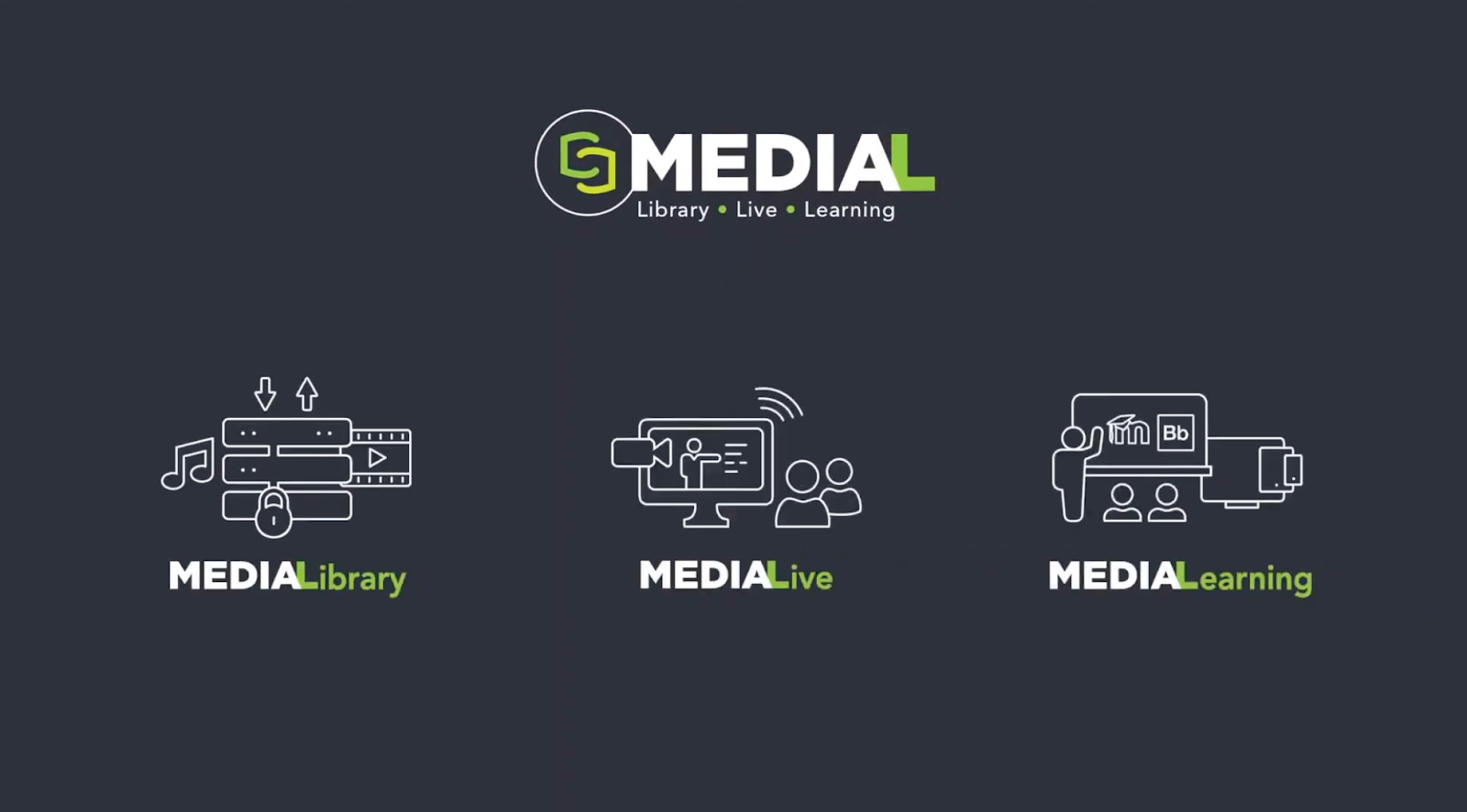
The simplest way to understand MEDIAL is through the three Ls: Library, Live and Learning. Each addresses a different part of the video workflow, from curating a central media collection to delivering live streams and making video available within a learning management system.
Three Solutions, One Connected Approach to Video
Education, employee training and organizational communication have different requirements, but they share a practical challenge: video needs to be useful beyond the moment it is created.
A recording needs a place to live. A live stream needs protection, scheduling and a clear playback experience. Learning content needs to sit alongside the activities and assignments it supports.
MEDIAL organizes these requirements into three complementary solutions:
- Library: Manage, organize and share content through a centralized media library and branded video portal.
- Live: Protect, schedule and archive live streams, with customizable playback pages.
- Learning: Bring video uploads, recording and assignment submissions into your learning management system.
AI adds another layer of value across video content, helping turn recordings into searchable resources, gradable quizzes and bite-sized clips.
MEDIAL Library: Manage Content and Make It Easy to Explore
A useful video library is more than a collection of files. It needs structure for the people managing it and a clear experience for the people using it.
MEDIAL Library provides the central content management system where administrators can organize and curate media, manage permissions and apply content controls. This gives the organization a dedicated environment for managing its video resources.
That administrative foundation is paired with a front-end video portal. The result is a familiar, YouTube-style experience designed for a campus or corporate setting, with branding that reflects the organization.
Administration and discovery belong together
Content management and content discovery serve different needs. Administrators need to control and curate the collection. Students, employees and other users need a straightforward way to explore what is available.
MEDIAL Library brings both sides into the same solution. Rather than treating the library solely as storage, it gives organizations a place to present their video content as a usable resource.
MEDIAL Live: Plan the Stream and the Playback Experience
Live video involves more than starting a broadcast. Organizations need to decide when a stream becomes available, how it is protected and what happens to the content afterward.
MEDIAL Live enables teams to protect, schedule and archive live streams using their preferred encoder. It supports the live event while also addressing the recording’s place in the wider video collection.
The playback experience is equally important. MEDIAL provides a single-URL playback page that can be customized to match the organization’s look and feel.
Customization also extends to the pre-roll and post-roll experience. That means the presentation is not limited to the live stream itself: organizations can shape what appears before and after it, too.
- Protect: Manage access to the live stream.
- Schedule: Set up streams around planned events.
- Archive: Preserve live content for later use.
- Customize: Tailor the playback page, branding and pre-roll and post-roll content.
Together, these capabilities help organizations manage live video as a complete experience rather than an isolated broadcast.
MEDIAL Learning: Put Video Inside Your LMS
For education and training, video is most useful when it fits naturally into the learning environment. MEDIAL Learning makes video upload and recording available within the learning management system, so content creation can sit alongside course activities.
Supported LMS platforms include Blackboard, Moodle, Canvas and Brightspace. Educators and trainers can work with video in the systems already used to deliver their teaching and training.
Create new material or use existing recordings
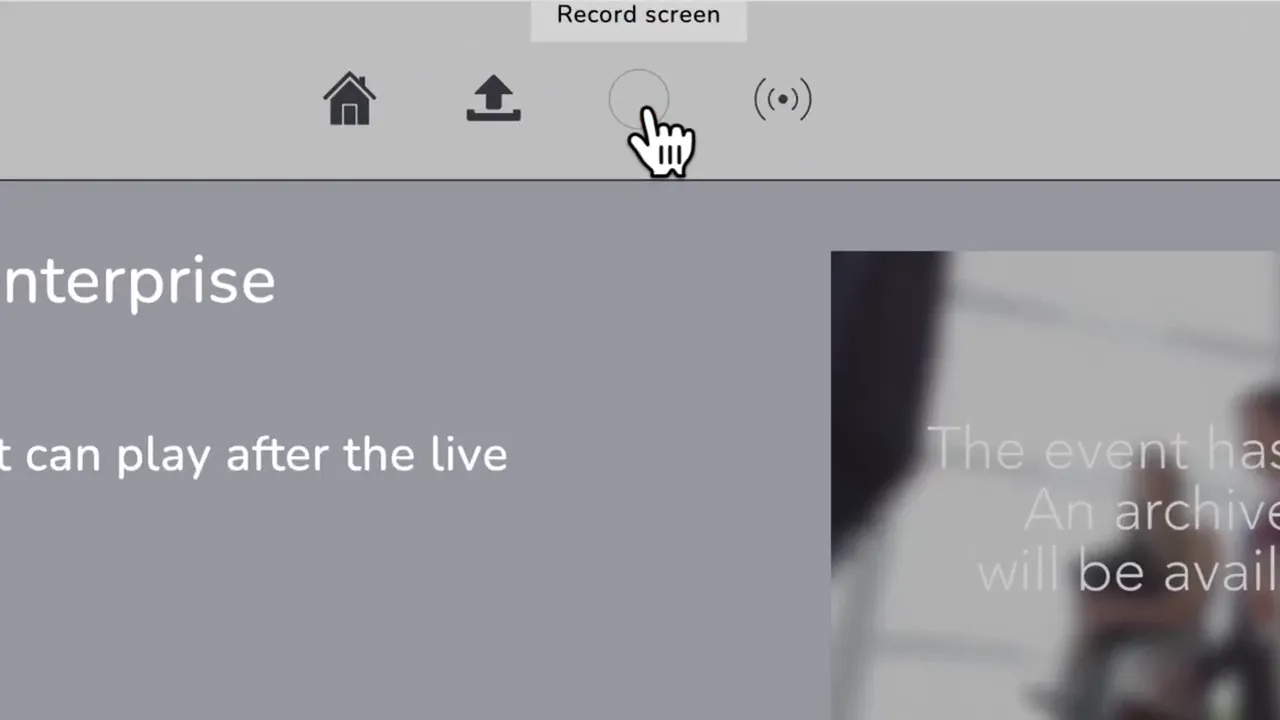
Content creators have two straightforward options: record new material using MEDIAL Lecture, or upload videos they already have.
That flexibility matters because not every learning resource starts in the same way. Sometimes the task is to capture a fresh explanation. At other times, the right content already exists and simply needs to be brought into the learning environment.
MEDIAL supports both approaches, making recording and uploading part of the learning workflow rather than separate activities.
Make video part of the response, not just the lesson
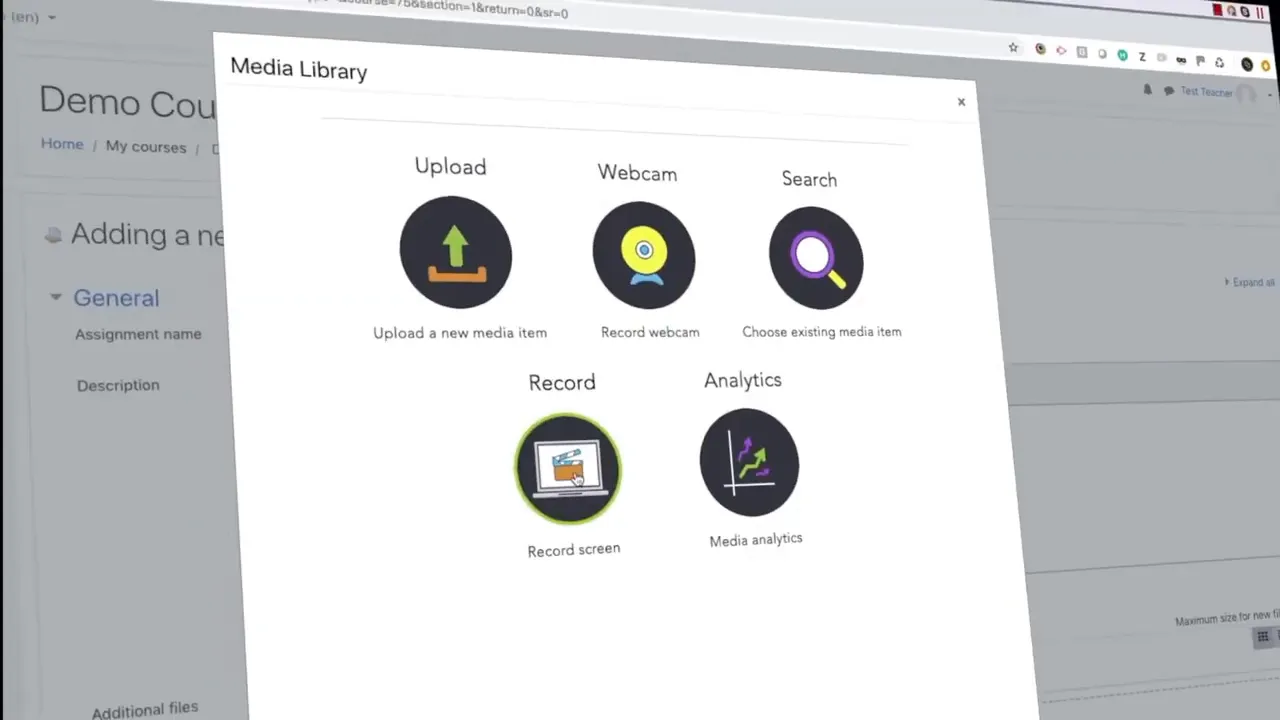
Video learning does not have to be one-way. Students and employees can also use MEDIAL to submit video assignment responses.
They can capture their screen, use their webcam or combine both. These options let the response format fit the task, whether it calls for an on-screen demonstration, a spoken explanation or the two together.
This connects content creation with participation. Teachers and trainers can provide video resources, while students and employees can respond through the same medium within the LMS.
Smarter Video with AI
A long recording can contain valuable information without making that information easy to reach. MEDIAL’s AI-powered tools help organizations get more from their content by supporting assessment, discovery, navigation and reuse.
Automatically generate gradable quizzes
MEDIAL can automatically generate quizzes that can be graded. This adds an assessment element to video content, helping educators and trainers connect a recording with questions about the material it contains.
Identify key moments and improve navigation
AI can identify important moments within videos and make content easier to search and navigate. Instead of treating a recording as one continuous block, people can find their way to relevant sections more directly.
Turn long recordings into bite-sized clips
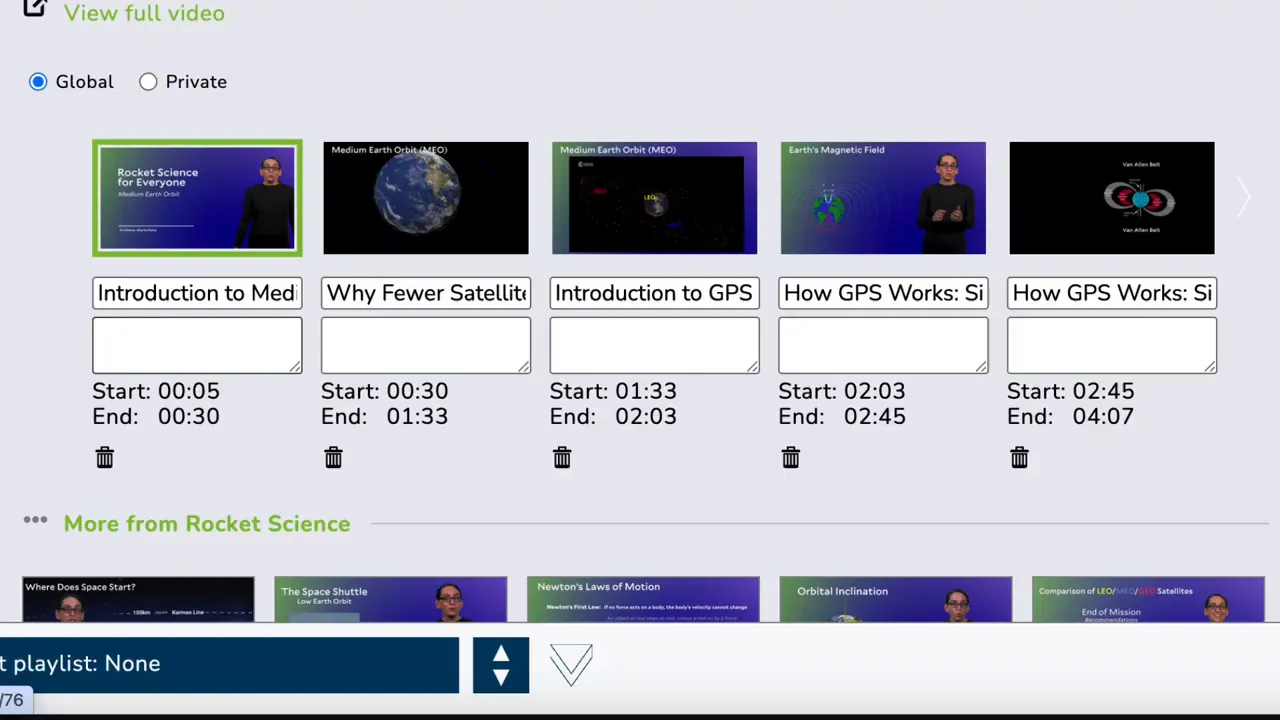
MEDIAL can also transform long-form content into shorter clips. This gives organizations another way to present valuable material, making focused moments available without requiring the full recording as the starting point.
The goal is simple: make useful information easier to find, access and consume. A full-length resource, a relevant moment and a short clip can each serve a different need.
Make Video Simpler and More Valuable
MEDIAL brings a clear structure to organizational video. Library provides the home for managed content. Live supports scheduled, protected streaming and archiving. Learning places creation and participation inside the LMS.
AI builds on that foundation with quizzes, key moments, search and shorter clips. Together, these capabilities help make video more accessible, engaging and effective across education, training and communication.
Ready to explore what that could look like for your institution or organization?